
Special Announcements Detail Widget
Purpose
To provide a detailed and immersive Special Announcements experience. To learn more about editing and adding articles, please visit here.
Features
-
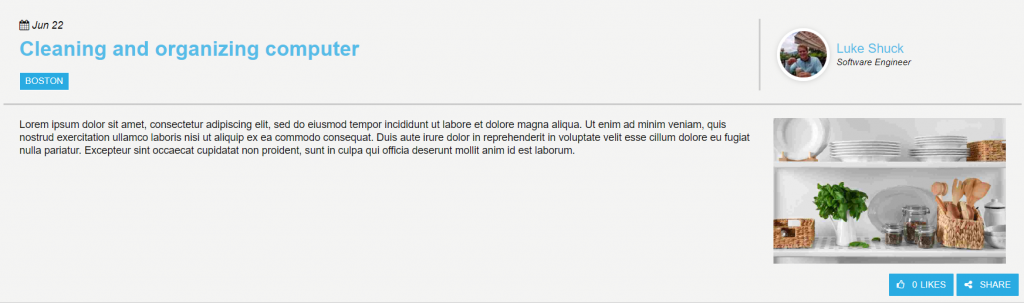
- Displays detailed view of special announcement articles
- Shows created date and author
- Displays news tags
- Share and Like buttons
- Mobile-ready via Responsive Web Design
Details
-
- Widget Name: SpecialAnnouncementsDetailWidget
- Available With: Release 4.5 and Above
- Content App Type: Author
- Content Type: N/A
- Content App Name: News – Special Announcements
- List Name: SpecialAnnouncements_AK
- Recommended Images Sizes: N/A
- Dependencies: SharePoint
Content
| Title | Title that will display in the Content App list |
| Body | The body text of the article |
| Expires | The date and time when the special announcements article will no longer appear |
| Expires | The date and time when the special announcements article will no longer appear |
| StaticUrl | What will be added to the site Url to create the friendly Url for the special announcements article |
| Image | The selected image will display with the special announcements article |
| Image Description | By default is the image Url, but should be updated to a description of the picture |
| Date | Date picker field (this date does not appear on the Special Announcements widget, that is the created date) |
| Category | Select tags that match the article’s content, they will appear on the article and help organize them |
| PublishedBy | Publisher of the special announcements article, they will appear on the Special Announcements Detail page |
| Job Title | Job Title of the publisher |
| FriendlyUrl | The friendly Url for the special announcements article, will only appear after you publish the article |
| Attachments | Files that are attached to the special announcements article, can be added via the Add Attachment feature. |
Properties
| Select List Columns | Columns in the SharePoint list that the widget is utilizing. | |
| Cache Interval | Sets the time, in seconds, that the data should be saved in the local browser cache of the current user.
· 0 = Do not cache the data for this widget · -1 = Use the default caching strategy set in the Digital Workplace configuration · Whole Number = Cache for specific time, in minutes |
|
| List Name | Name of the SharePoint list that contains the data to be displayed for this widget instance. | |
| Use Friendly Url | Determines if the widget pulls in the news articles friendly Url. Keep this checked | |
| Function to call before binding the UI events |
|
|
| isasynccallback |
|
|
| Function to call after fetching data | OOTB -Blank (used for widget expansion): Name of the function called after data has been fetched by the widget. | |
| List is on Root Site | When checked, the widget references the list on parent/root site collection. | |
| Site Collection URL | Site collection URL where the SharePoint list defined in “List Name” can be found. |
Views
View Name: SpecialAnnouncementsDetail View Description: Special Announcements article display that shows the author, news tags, body, and image under each other View Preview: 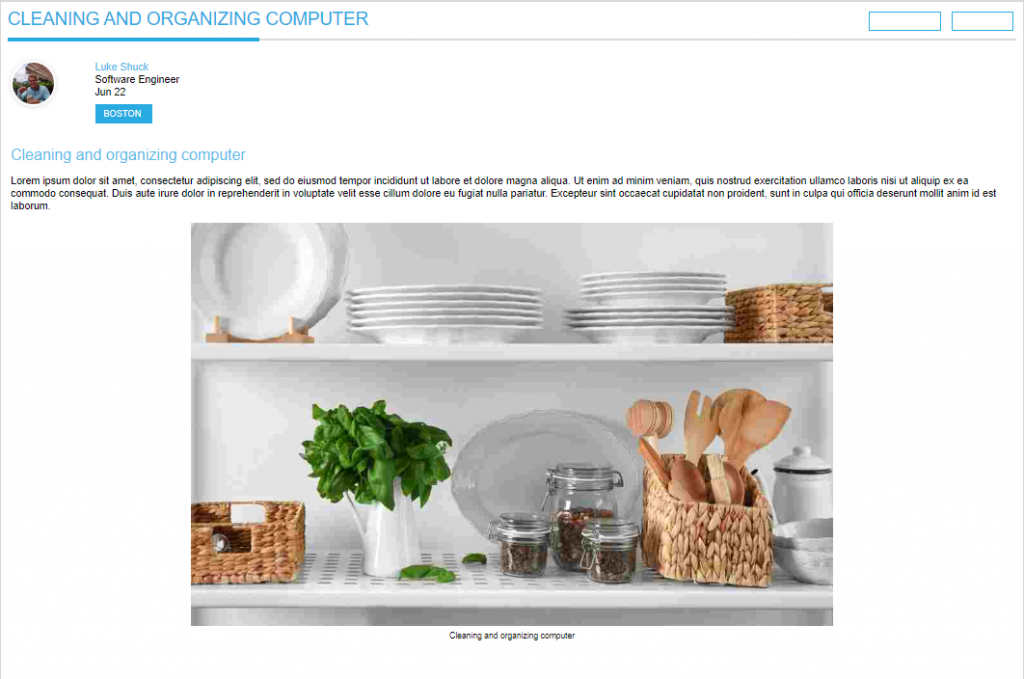
View Name: Special Announcements Detail – Modern View Description: Updated Special Announcements display that shows article content more condensed View Preview: