
- Navigate to the newly created site
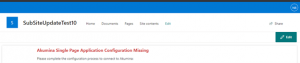
- Click the “Edit” button in the upper right corner
- Copy all of the SPA settings from the flyout from the home page (or other existing site page) to the new site’s SPA settings
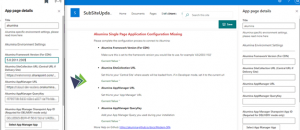
- Click “Save” on the new site’s page then refresh the page – the new site will now load the Akumina framework
If you forgot to add something in, and want to return to the SPA Settings, do the following:
- Navigate to the home page (or any other existing site), open the Akumina Tray (3 dots at the bottom) then the debug panel (icon second from the left)

- Click on the Modern tab then check “Toggle Command Bar”
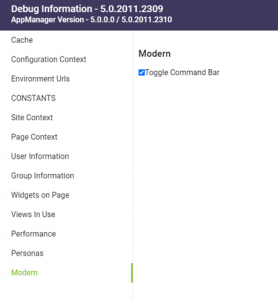
- The Edit button will reappear for editing.