
Dashboard Configuration Widget
Purpose
Displays button functionality to enable quick configuration for managing and ordering the widgets on the users personalized Dashboard, the results of their preferences display on the Dashboard Rendering Widget.

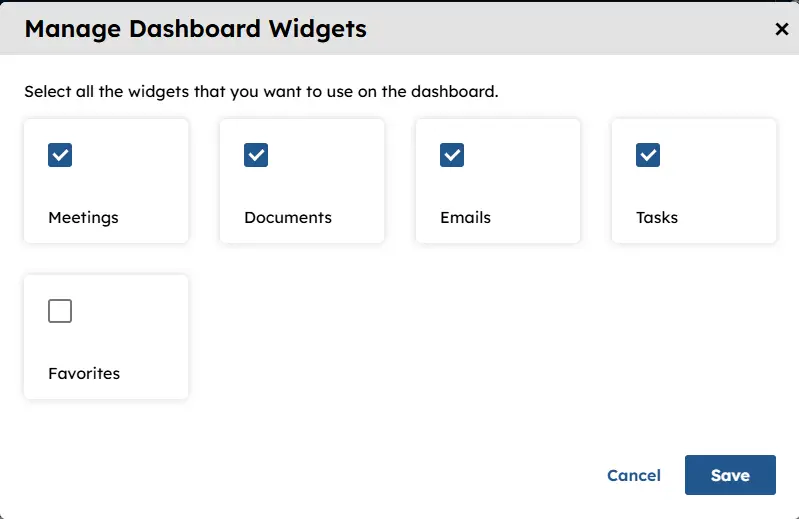
Click on the Manage Widgets button and the “Manage Dashboard Widget” Modal displays allowing the user to select which widgets they would like displayed.
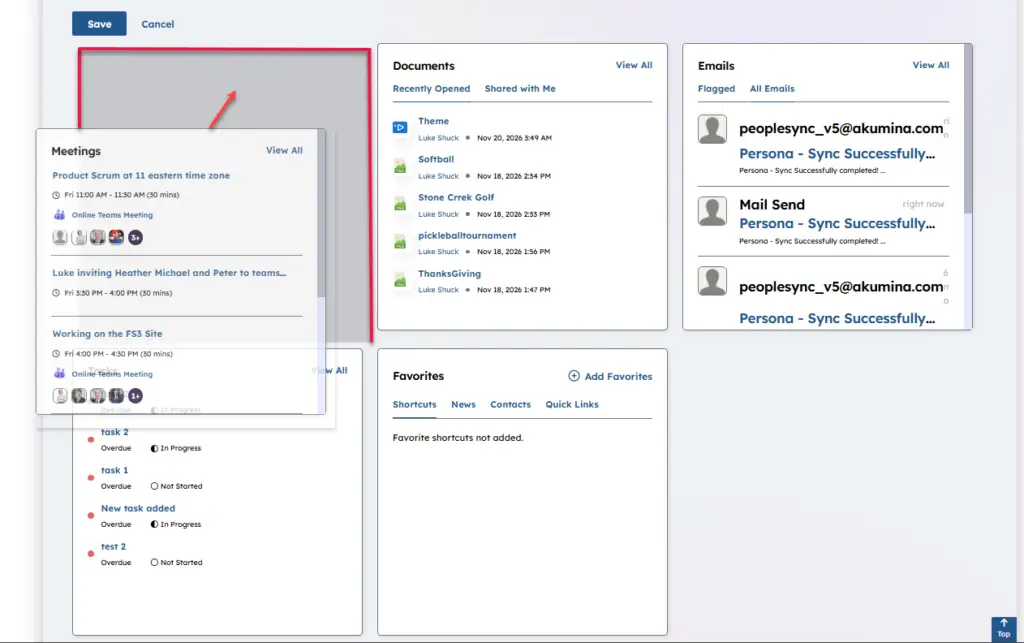
Click on the Reorder Widgets button and the end user can reorder their widgets by drag and drop click on Save when your preference is complete.
Click on Reset Widgets will remove all of the widgets from your Dashboard and you can begin again

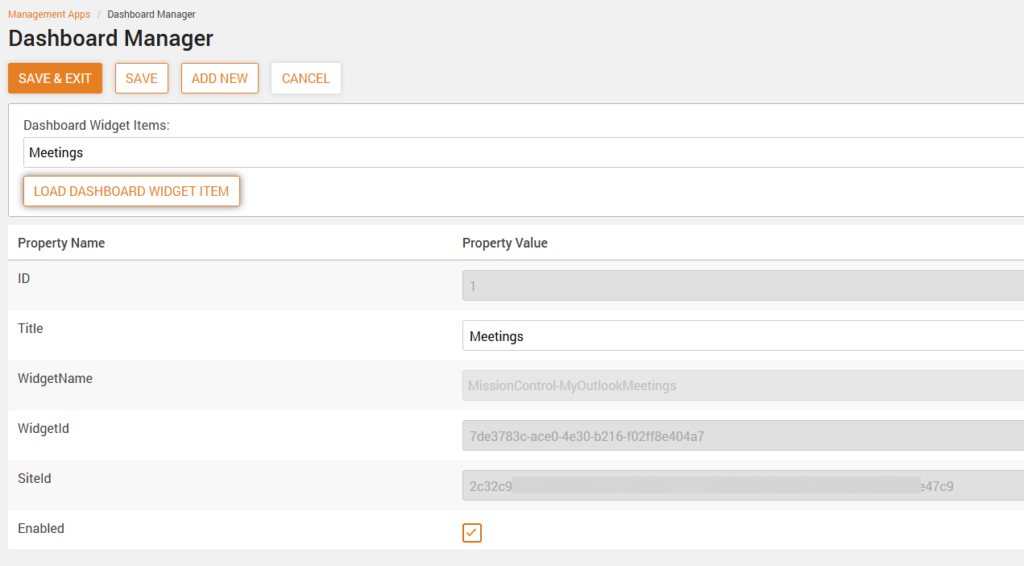
The available widgets are manage in the App Manager > Central Site > Management Apps
Global widget instances can be added here or removed and made available for on the “Manage Dashboard Widget” Modal. To learn more about expanding the widgets on the dashboard visit here.
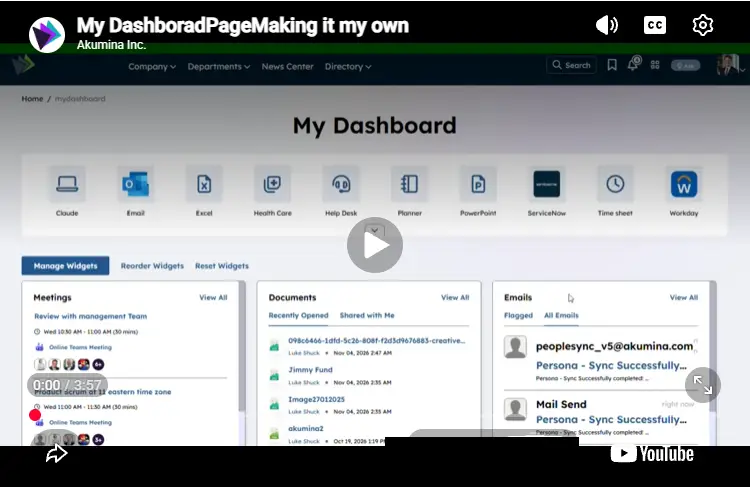
To learn more about Managing your dashboard page watch the video below:
Features
-
- Provides a listing of the available widgets to be selected for display on the dashboard page based on Enabled flag in the Dashboard Widget Manager management app
- Enables each end user the ability to create a personalized dashboard page based on their selection from multiple available widgets
- Enables each end user the ability to create their page layout preference of available selected widgets
- Provides ability to quickly change the order of the widgets on the dashboard page (see Working with the Employee Dashboard )
Details
-
- Widget Name: DashboardConfigurationWidget
- Available With: Release 5.0 and above
- Content App Type: N/A
- Content Type: N/A
- Content App Name: N/A
- List Name: N/A
- Recommended Images Sizes: N/A
- Dependencies: Dashboard Renderer Widget
Content
N/A
Properties
| widgetframework | Determines the type of framework the widget provides. Value = react |
Views
View Name: DashboardConfiguration
View Description: Displays button functionality to enable quick configuration for managing and ordering the widgets on the users personalized Dashboard.
View Preview: