Video Widget
Purpose
Adding external videos to your intranet boosts employee engagement, cuts through information overload and supports desktop or mobile workers who prefer bit-size updates over dense blocks of text.
Short videos grab attention much faster than written announcements, with data showing short-form video significantly improves information retention and drives higher interaction rates. Quick clips from executives or peer spotlights inject personality, making remote or distributed teams feel more connected to the company vision. Employees on the go or working shifts do not have time for long-form newsletters or dense policy pages. Short videos fit easily into mobile employee apps.
The Video Widget supports many external videos types like Youtube, Vimeo, Brightcove, Kaltura … In the Structure Content > Component > Supporting App (e.g. Videos Long) enter a Video link and Thumbnail. This is a Slider App so the order in which they display is managed by the content author.
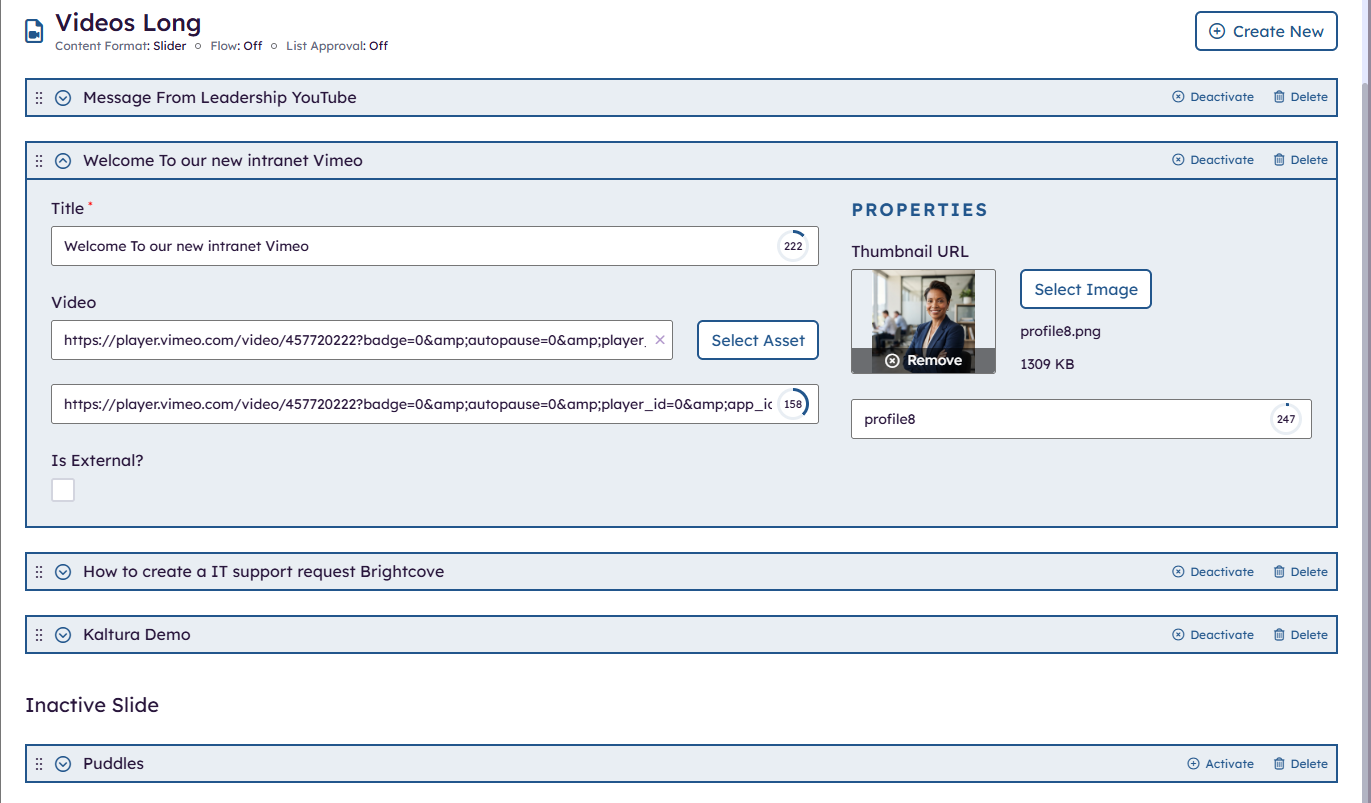
Below is an example of how the video content is managed in the slider app, open is one of the video items. Enter the Title, link, thumbnail image and control the order of which the items will display (order in which you see them in the content app) . Video Items can be moved to an InActive (example: Puddles) or be deleted to remove them from the frontend site. In the example below the video Puddles will not display
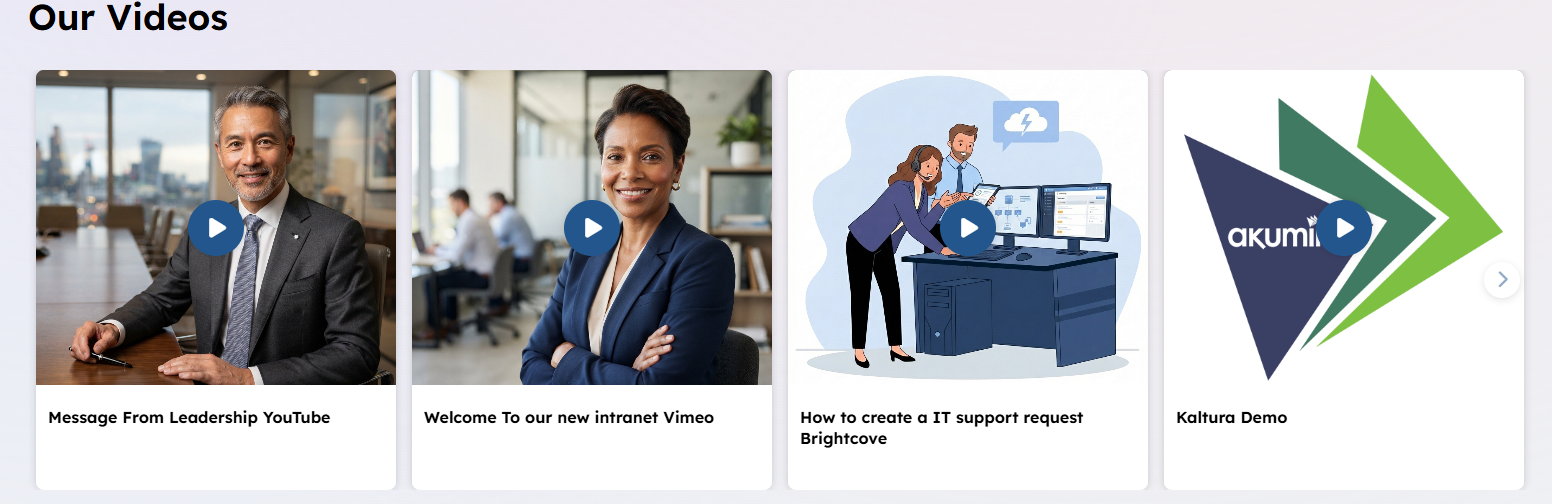
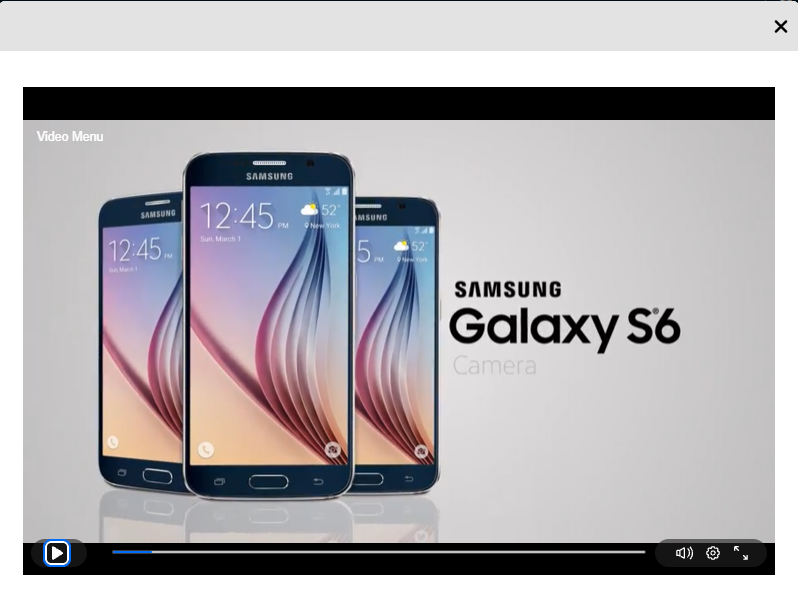
Click on a video tile, a modal will open and the video will play.
Features
In the Supported content app, enter:
- Title – title of the video set in the slider app displayed on the front end site tile
- Video – enter an external link to a video such as YouTube, Kaltura, Vimeo,…
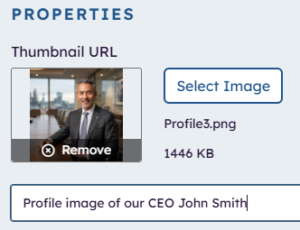
- Enter a thumbnail that will display on the tile representing your video
- Control the order of the videos to display
- Control which videos are currently active
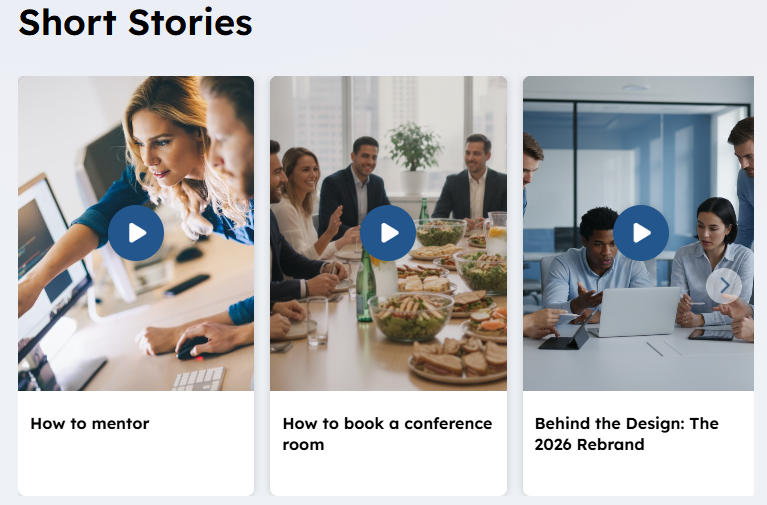
- Two supporting views one more appropriate for Shorts.
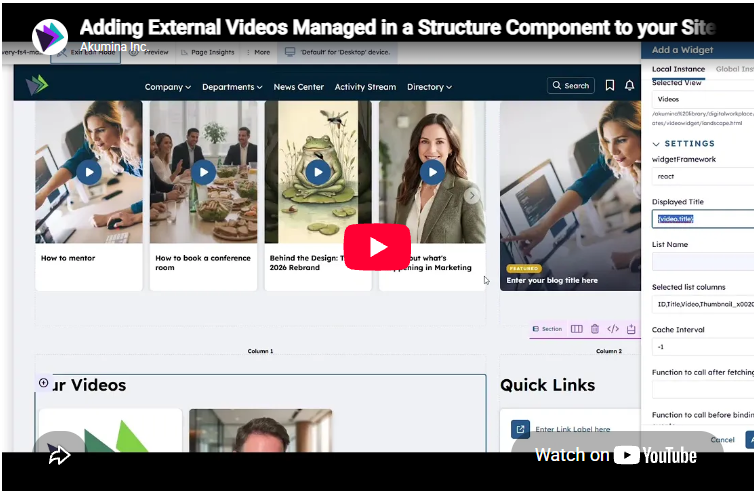
To learn more about adding additional Structured Components to support videos watch the video below:
Details
-
- Widget Name: VideoWidget
- Available With: Release 7.0.2602.0321
- Content App Type: Slider, Structured Content – Component
- Content Type: AkuminaExternalVideos and AkuminaLanguage
- Content App Name: Videos Long (ExternalVideos_AK) and Videos Short (ExternalShortVideos_AK)
- List Name: ExternalVideos_AK and ExternalShortVideos_AK
- Recommended Images Sizes: N/A
- Dependencies: N/A
Content
| Title | Title displayed under the video Thumbnail describing what this video is about example: Message from CEO |
| Video | External URL of the video, get this from your provider when watching the video there is a Gear often that allows you to get the link to the video. |
| Is External? | N/A for this app part of the hyperlink column ootb |
| Thumbnail Url | This is a image that displays on the video tile if not set then if the video (link) provides its own thumbnail then it will display (example YouTube) to be more consistent if you have a mix of videos or if you have videos are from providers that don’t display a thumbnail (e.g. Brightcove, Kaltura…) set this as desired.
|
| ItemOrder | The Slider apps when you reorder your widgets it stores the ordering in this field it is the sort order. This order will determine which order to display the video tiles on the front end site. |
| ItemActive | On the Slider this column is used to determine if an items is in an Active State and whether it should display on the front end site. If an item is InActive it will not display example above Puddles |
Properties
| widgetframework | react – tells the code this is a react widget DO NOT CHANGE THIS | |
| Display Title | For a multilingual site this would be a token variable example:
{video.title} maps to “Our Videos” {video.shorts} maps to “Short Stories” additional tokenized titles or to manage what display for these token is managed in the App Manager > Central Site > Management Apps > Language Manager by a site Administrator. If the site is not Multilingual then a title could be enter here as a literal example “Our Short Stories” or “Shorts from the Picnic” |
|
| List Name | Name of the SharePoint list that contains the data to be displayed OOTB we have two list:
ExternalVideos_AK (Used to manage the Longer Videos) ExternalShortVideos_AK (Used to manage the Shorts) |
|
| Site Collection URL | Site collection URL where the SharePoint list defined in “List Name” can be found. | |
| Selected list columns | Columns in the SharePoint list that the widget is utilizing on the view:
ID,Title,Video,Thumbnail_x0020_URL,ItemOrder,ItemActive |
|
| Cache Interval |
|
|
| Function to call after fetching data | OOTB -Blank (used for widget expansion): Name of the function called after data has been fetched by the widget. | |
| Function to call before binding the UI events | OOTB -Blank (used for widget expansion): Name of the function called before the UI has been rendered to the screen |
Views
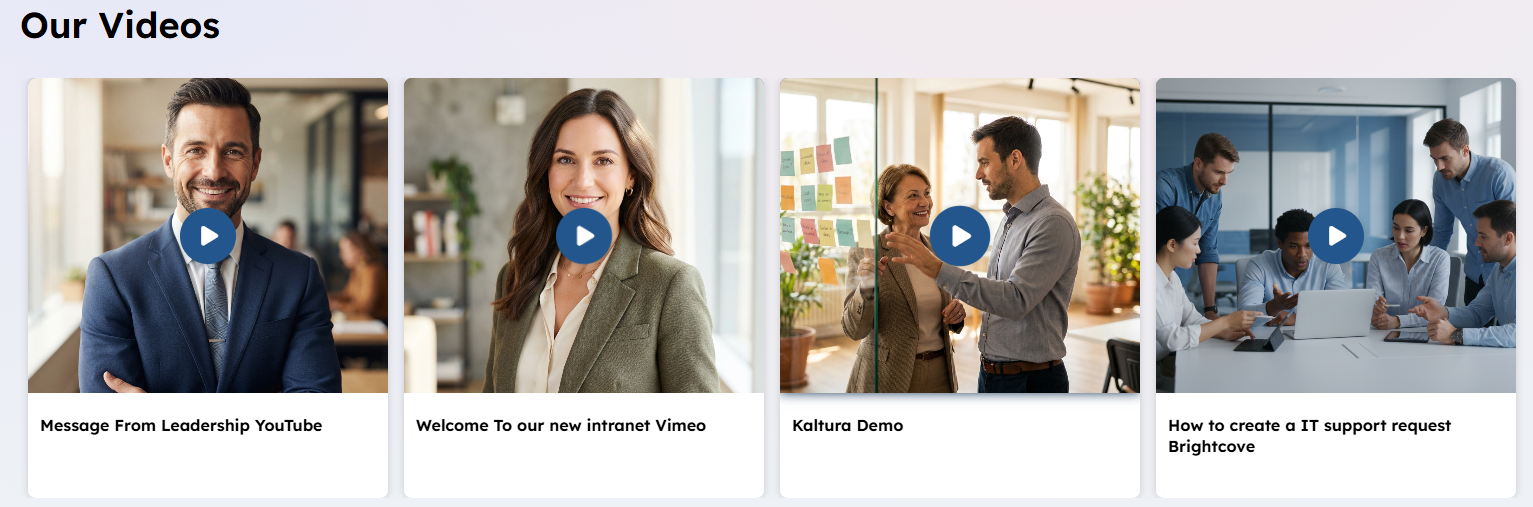
View Name: Videos
View Description: Display the videos in a landscape sort of view for long videos, respecting the ordering of the videos defined in the content apps.
View Preview:
View Name: Shorts
View Description: Display the videos in a “Short” Video appropriate view, respecting the ordering of the videos defined in the content apps.
View Preview: