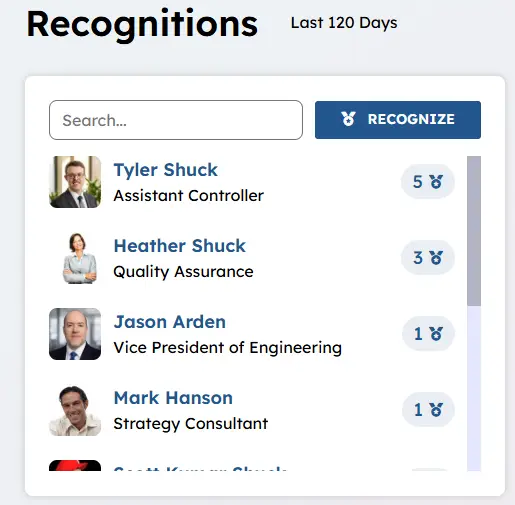
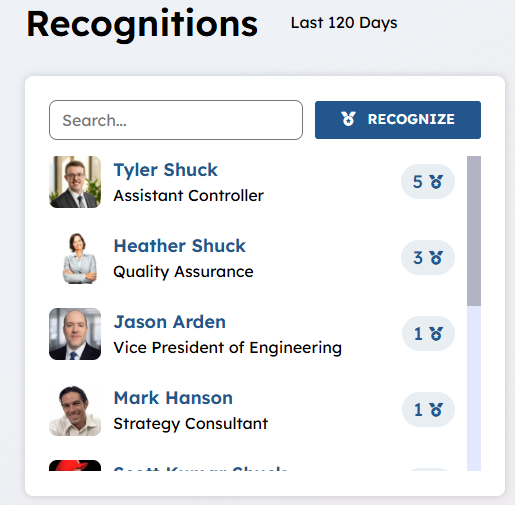
Latest Recognition Widget
Purpose
Employee recognition awards do more than celebrate a milestone—they shape how people feel about their daily work and their future with your organization. When done right, recognition highlights core values, creates moments of genuine connection, and reminds team members that their efforts aren’t just noticed—they are truly valued.
True engagement happens when appreciation is personal, timely, and meaningful. When employees feel seen as individuals rather than just names on a tenure list, loyalty naturally grows and company culture strengthens. The Latest Recognition Widget is the tool to get this done on a peer-to-peer level.
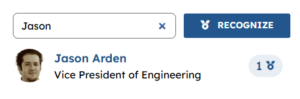
Present a list of all users who have been recognized over a number of days configured on the widget property, in our example over the last 120 days. Allow user to search for name (first or last name) and allow users to recognize other collogues by selecting the recognize button. This widget can display users in alphabetical order or by who has the most recognitions. This widget can display optionally other user properties like job title (configurable on widget property). Select a user and navigate to their employee detail page where each recognition that the employee has been granted can be seen.
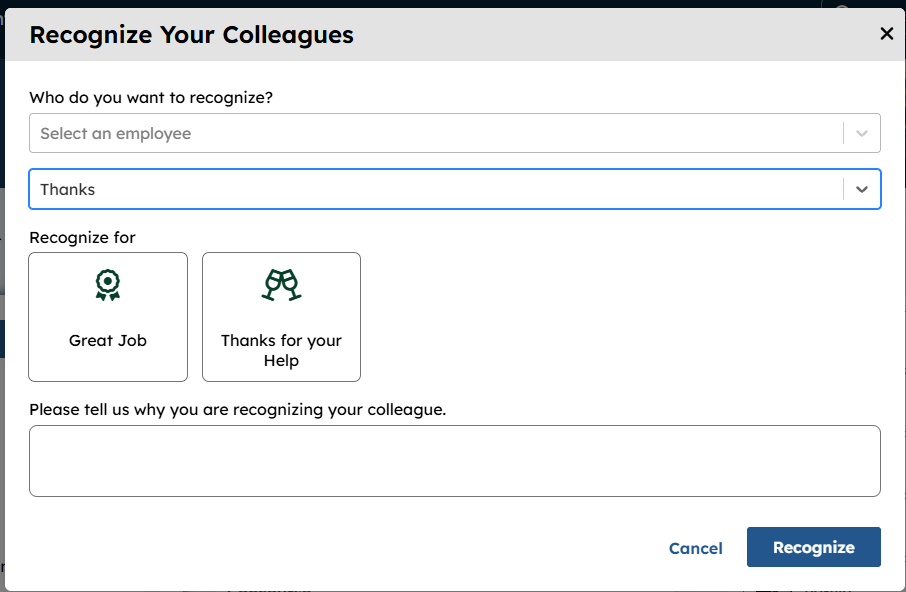
Below is an example of the modal that is seen when the  button has been selected. The user selects an employee by entering a name, selecting the category of recognitions in this case “Thanks” and enters a message that will be seen by the Employee on their detail page. A user CANNOT recognize themself and how often you can recognize a user for a particular recognition is configurable in voice visit here to learn more.
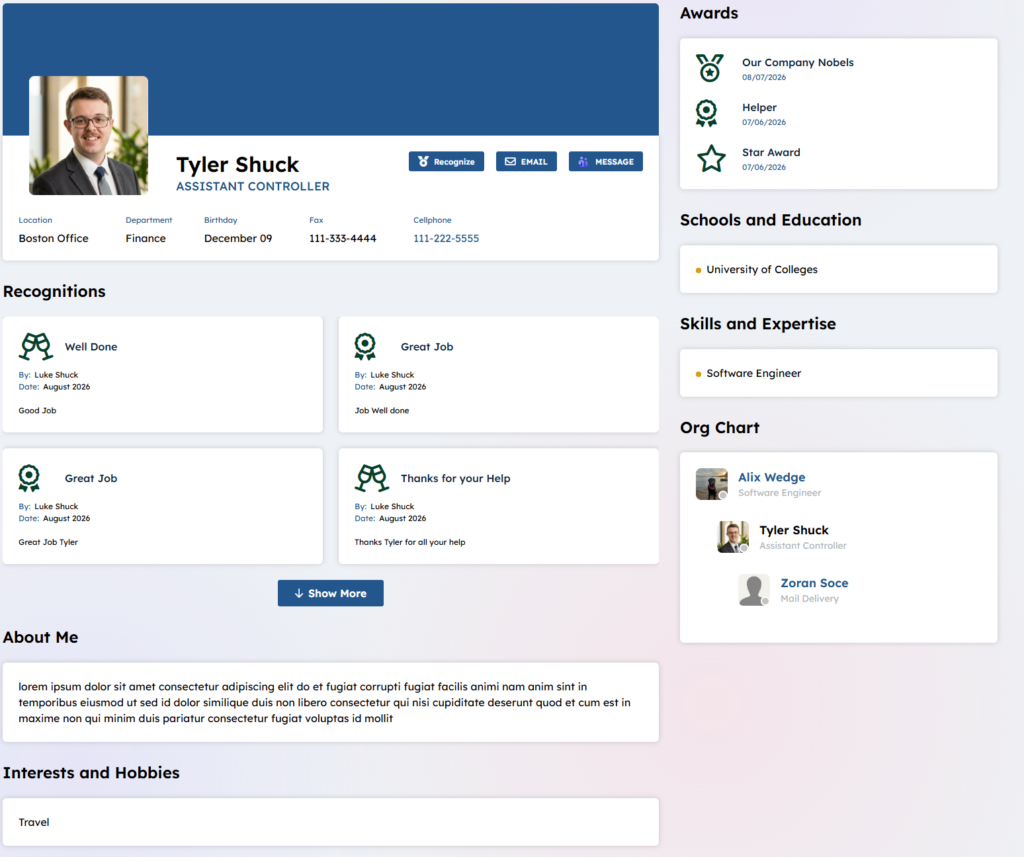
Below is an example of the recognitions see on the employee detail page:
This widget is dependent upon Recognitions being active on the site and with categories of recognitions configured to learn more about activating recognitions and create recognitions visit here.
Features
-
- Display all users who have been recognized over a period of time options are over 1, 7, 14, 30, 60, 90 or 120 days.
- Display a configurable Widget title that can be a language token or literal in our example our language token translates in English to “Recognitions”.
- Sort and display the list in alphabetical order or by who has claimed the most recognitions.
- Add a optional user field to display such as Job Title for the winning user.
- Search for users names to find them on the recognition list.
- Recognize other users right on this widget. NOTE: you can not recognize yourself.
Details
-
- Widget Name: LatestRecognitionsWidget
- Available With: Release 7.0.2602.0321
- Content App Type: N/A
- Content Type: N/A
- Content App Name: N/A
- List Name: N/A
- Recommended Images Sizes: N/A
- Dependencies: RecognitionSubmissionWidget visit here to learn more.
Content
N/A
Properties
| Language token used for the widget title | OOTB this is set to latestrecognitionswidget.title which translates in English to ‘Recognitions’. This token can be updated to some other title in all languages or a literal could be entered in here such as “Kudos”. |
| Show recognitions given since the selected number of days in the past | OOTB this is set to 120 days. This is the number of days back the recognitions will be retrieved and displayed on the widget.
The Options are: 1, 7, 14, 30, 60, 90 or 120 days. This number of days is displayed to the right of the widget title so that users will know how far back the data is being retrieved from. |
| true => Sort results by number of recognitions (descending) false => Sort results by recipient name (ascending) | By default set to YES this means that we will display the users by number of recognitions descending (the user with the most recognitions will be on the top). If you set this to NO then the users will be displayed alphabetically. |
| If you want to show additional employee data, provide a comma-separated list of peoplesync user properties | OOTB BLANK – This can be set to a user property to display under the users title example jobTitle in which case the user’s jobTitle will display:
|
| dependencies | RecognitionSubmissionWidget – this displays this button:
|
Views
View Name: Latest Recognitions
View Description: Display the list of users who have been recognized over a period of days, allow user to recognize by selecting the  button and allow users to sort by name. Select users and navigate to their Employee detail page where recognitions and who awarded them to the user can be seen.
View Preview: